
How do I embed 360 images in Wordpress?
SpinShot enables you to easily embed a 360° product spin into any WordPress Post or Page by simply copying and pasting an embed link that is generated automatically by the SpinShot system. First you need to create an SpinShot account here and create some 360 spins. Once you have done that simply follow Embedding Your 360 View to insert your 360 views into a WordPress page.
Do I need the free Wordpress plug-in to display SpinShot 360 images?
If you are embedding 360 images on a regular wordpress page or post, and not using a third-party ecommerce platform, then installing the SpinShot wordpress plug-in might not be needed at all. Since there are thousands of custom themes and plugins available for wordpress we suggest you try embedding 360 views without the plugin first. If that doesn’t work then you might need to download the free plugin.
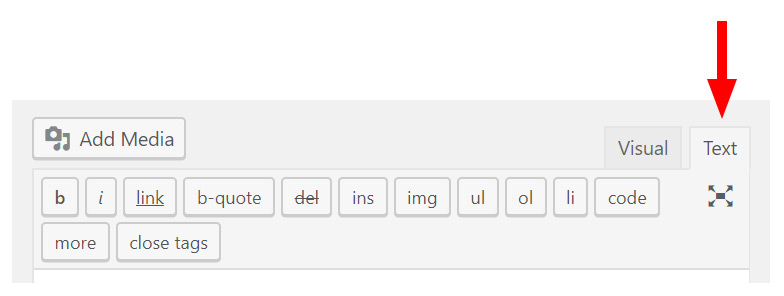
Important:To embed directly into wordpress, without using the plugin, be sure you use text editor mode and not the visual editor. This is set by selecting the “text” tab at the top of the editor.
The SpinShot Wordpress Plugin
The following popular ecommerce platforms require the the SpinShot plugin for Wordpress
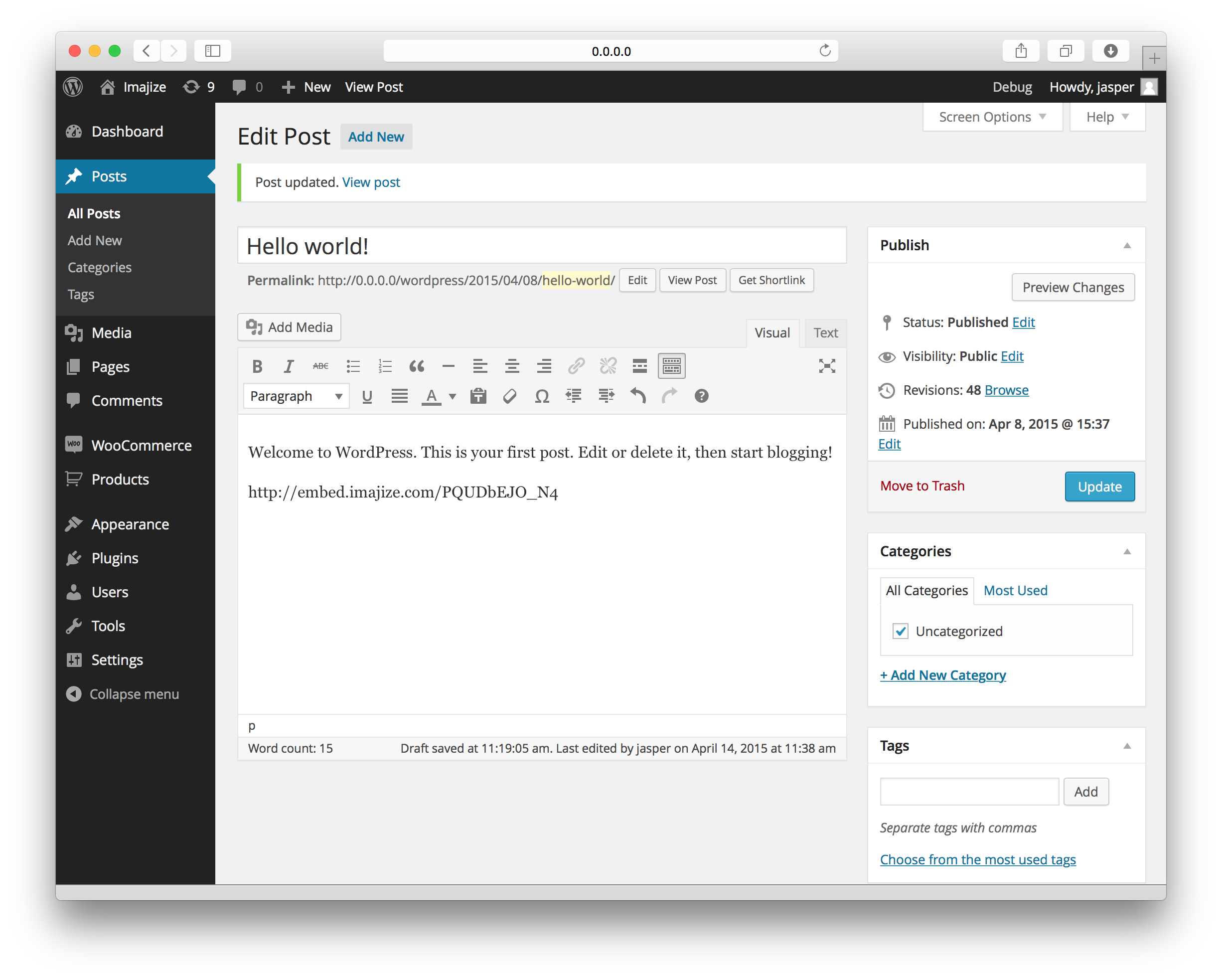
The SpinShot plugin allows you to paste the embed code on any post or page using the visual editor.
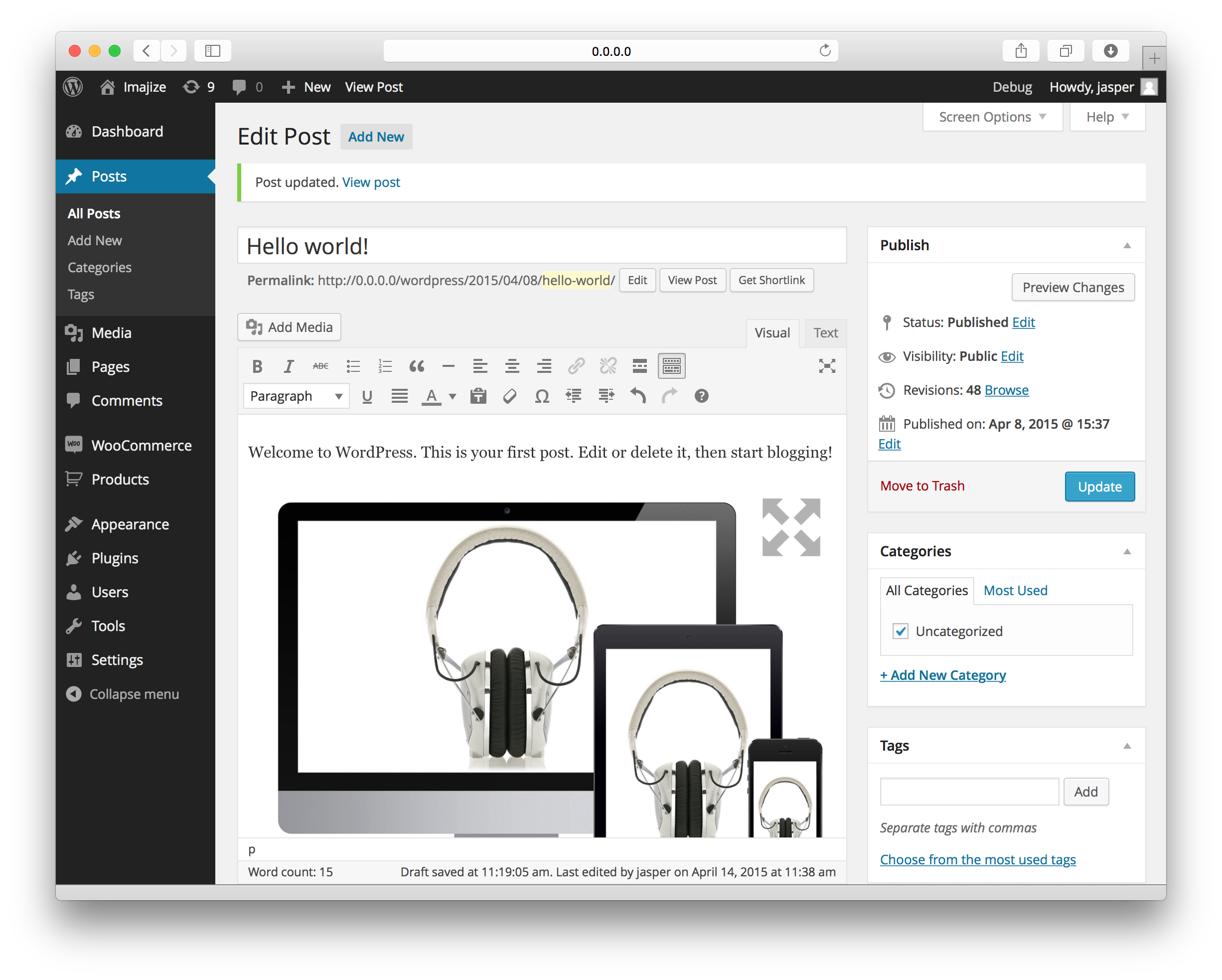
Watch it transform into a 360 view inside your wordpress visual editor instantly!
What does the plugin do exactly?
Many online mega-retailers have discovered that 360 product images significantly boost product engagement and sales while reducing return rates. Unfortunately many shopping cart systems available to small and mid-sized businesses only allow static images be used on their product pages. SpinShot solves this problem. Now you can easily embed a 360° product spin into any WordPress product page by simply pasting an embed link. Additionally a special new 360 image field is added to the product pages of several popular ecommerce platforms.