Follow these simple instructions to embed an SpinShot 360 viewer on an eBay listing.
Once you have created a view, by uploading images to an SpinShot project, embedding 360 images on your website is an easy cut and paste task. Follow the steps below to complete the embedding process.
-
First log in to your SpinShot account and click “Projects” in the upper right corner of the screen.
-
Next, select the project you want to work with.
-
Now select the name of the 360 view you want to Embed.
-
In the top right corner you will see “Embed”. Click “Embed”.
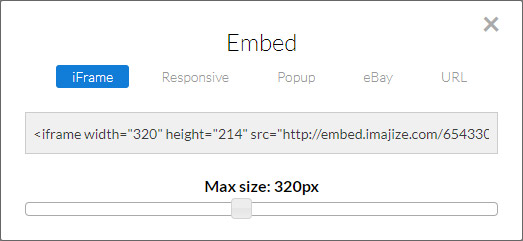
Choose “eBay” linking method
We give users 5 options for embedding their views. The “eBay” link type is a common link format that can be used on almost any webpage, not just eBay. This option can be used in the instances where iFrames or Javascript code is not allowed. A lot of web services like eBay and Amazon have strict rules about the types of images or code you can add to your product listings. If the other display methods don’t seem to work, this link format probably will.
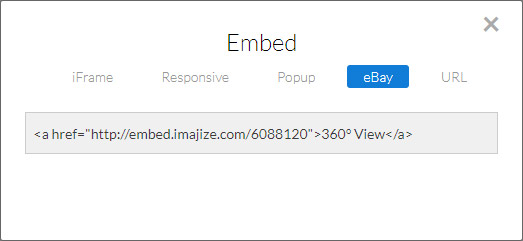
Tip: If you want this link to open up a new browser window add target=”_blank” like in the example below.