This guide will show you how to change your password.
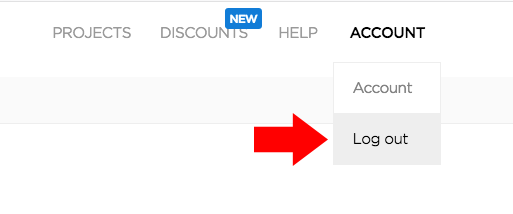
- Getting started, you need to make sure you are logged out:
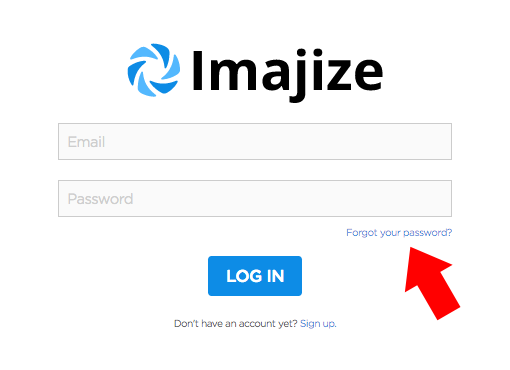
- When you log out, you should get redirected to the login page. Click the “Forgot your password?” link:
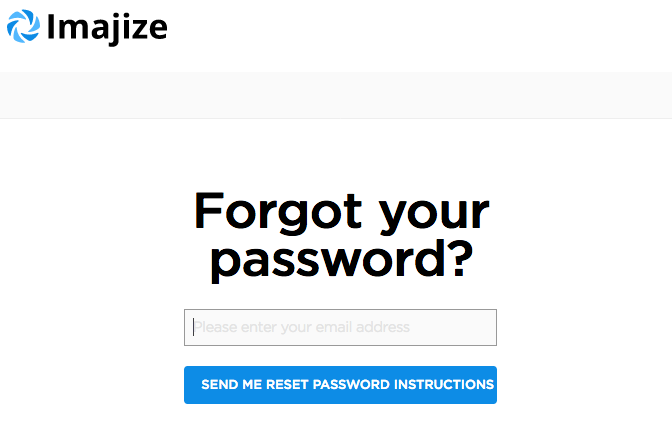
- Almost done! Enter the email address you use for your SpinShot account and click the button below:
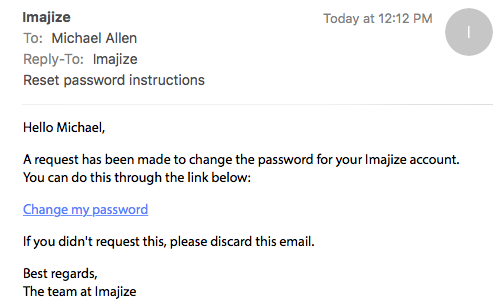
- Check your email inbox and click on the password reset link:
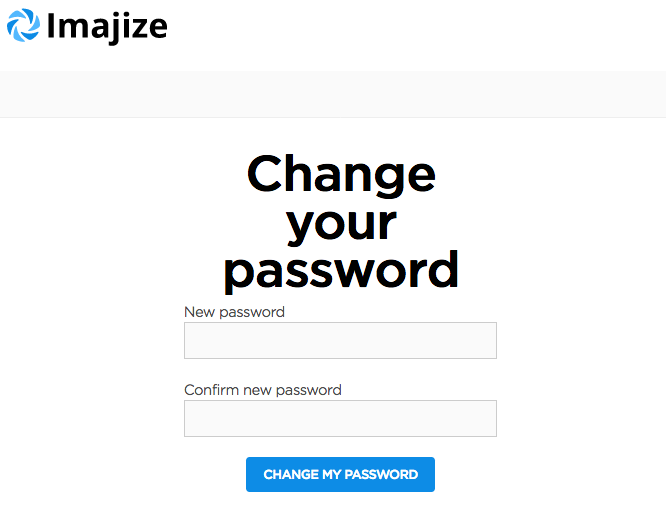
- Type in your new password (twice) and click the button to change your password.
If it’s not working, then just drop us a line and we’ll step in to help!